Best IPTV for Firestick in 2026: How to Choose and Set It Up
The Amazon Fire TV Stick is the most popular streaming device in American homes, and for good reason: it is cheap, small and easy to use. But the stick is only half the story. The service you load on it decides whether you get a sharp, stable picture during the big game or a spinning wheel at the worst possible moment.
So what is the best IPTV for Firestick in 2026? Instead of a list of names that changes every month, this guide gives you a clear method: what to look for, which apps work best, what makes a strong server, and how to set everything up in about five minutes.
- Pick a service with stable servers at peak time, a working TV guide and real support.
- Use TiviMate or IPTV Smarters Pro on your Fire TV Stick for the best experience.
- A Firestick plays up to 4K. For 8K you need an 8K TV and a compatible device.
- Always test with a free trial on your own stick and your own Wi-Fi before paying.
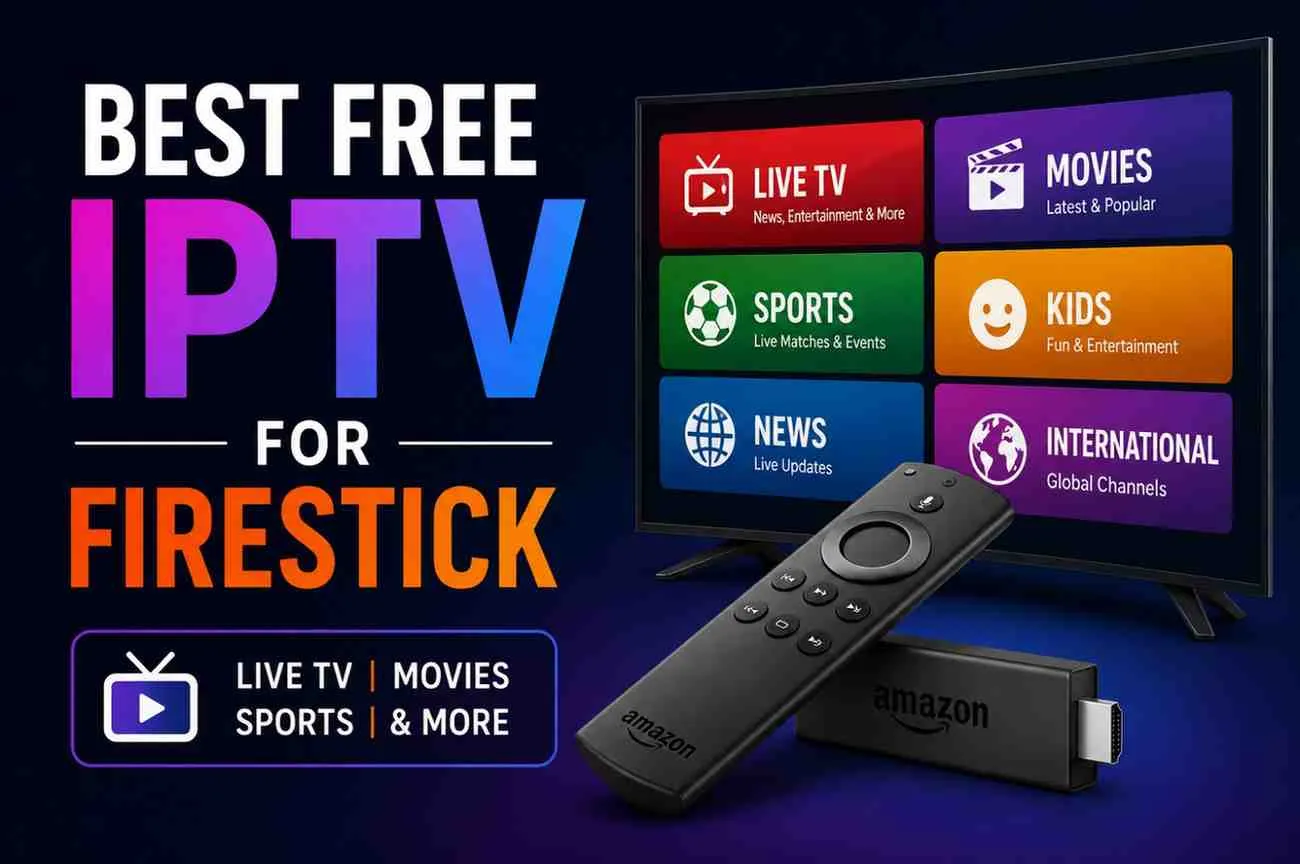
What makes the best IPTV for Firestick?
Every provider claims to be number one. The truth is that the best IPTV for Firestick is not the one with the biggest channel number on its homepage, but the one that works smoothly on a small device with limited memory. Here are the six criteria that really matter:
- Stability at peak time. Sunday night football and big fights are when servers are pushed to the limit. A good service stays sharp when everyone is watching.
- Light, compatible streams. The Fire TV Stick has limited RAM and storage. Streams and apps must run without crashing the device.
- A complete TV guide. An accurate EPG is what makes IPTV feel like real TV instead of a long list of channel names.
- Support for top apps. The service should work with TiviMate, IPTV Smarters Pro and XCIPTV through Xtream Codes or an M3U playlist URL.
- Fast, human support. When something goes wrong at kickoff, you need an answer in minutes, not an email reply in two days.
- Clear pricing and a trial. You should know exactly what you pay, and be able to test the service on your own stick first.
Keep these six points in mind and you can judge any offer in a few minutes. The best IPTV for Firestick checks every box, not just the cheapest price or the longest channel list.
Which Fire TV Stick do you have?
Before choosing the best IPTV for Firestick, check your model. Older and newer sticks handle streams very differently:
| Model | Max resolution | Good for |
|---|---|---|
| Fire TV Stick Lite | Full HD | Light use, HD channels |
| Fire TV Stick (standard) | Full HD | Everyday HD and FHD viewing |
| Fire TV Stick 4K / 4K Max | 4K Ultra HD | Sports in 4K, movies, heavy daily use |
| Fire TV Cube | 4K Ultra HD | Power users, fastest performance |
One honest note about 8K: Fire TV devices output up to 4K. A service that offers 8K streams is still great on a Firestick, because you simply pick the 4K or FHD version of each channel. To enjoy the 8K category itself, you need an 8K TV and a compatible 8K device.
Whatever model you own, the best IPTV for Firestick should let you choose the stream quality yourself, so a Lite stick and a 4K Max both get a smooth picture. Pick HD or FHD versions on older sticks, 4K on newer ones, and keep the higher versions for the other screens in your home.
If you watch a lot of live sports, the Fire TV Stick 4K Max is the sweet spot. Its faster processor and Wi-Fi 6 support make a real difference with busy channels at peak time.
The best apps for IPTV on Firestick
The app is the remote control of your IPTV experience. Even the best IPTV for Firestick feels slow inside a bad app. These are the three apps most viewers use:
TiviMate
Clean design, a fast TV guide and favorites that feel like a real cable box. The premium version adds recording and multi-screen viewing. It is the favorite of most heavy users.
IPTV Smarters Pro
The easiest app for beginners. Log in with Xtream Codes and you get live TV, movies and series in separate sections. Great if you also use the service on your phone.
XCIPTV
A solid free option with a modern interface and good stability on older sticks.
Not sure where to start? Our setup guides for every device walk you through the Downloader app, installation and login step by step.
Best IPTV for TiviMate: what to look for
TiviMate deserves its own section because it is so popular on the Fire TV Stick. The best IPTV for TiviMate has three things in common:
- Xtream Codes support: it loads channels, movies, series and the guide automatically, with no manual playlist editing.
- A clean channel list: clear groups by country and category, so the TiviMate guide stays readable.
- A matching EPG: program data that lines up with the right channels, so “now” and “next” are correct.
When you test the best IPTV for TiviMate, open the guide view, scroll through your favorite category and check that the program titles match what is actually playing. If they do, you have found a service built for real daily use.
TiviMate fans usually want the best IPTV for Firestick too, because the two go together so well. One service that works in both is the ideal setup.
Using TiviMate or Smarters? Tell us your app on WhatsApp and we send the right login for it, ready in minutes.
💬 Chat on WhatsAppWhat makes the best IPTV server?
Behind every channel is a server, and that server is what you are really paying for. The best IPTV server is not something you can see on a sales page, but you can feel it in the first hour of a live game. Here is what makes the difference:
- Anti-freeze technology: load balancing that moves viewers between servers when traffic spikes, so the picture keeps playing.
- High uptime: look for services that aim for 99.9% availability and update their servers regularly.
- Several quality levels: HD, FHD, 4K and 8K versions let you pick what your stick and internet can handle.
- Fast channel switching: a good server opens a new channel in one or two seconds.
You do not need to understand the technology to judge it. Watch a busy sports channel during prime time on a weeknight and again on Sunday. If the stream stays stable both times, you are dealing with the best IPTV server quality for your area and your connection.
My8K IPTV runs on Anti-Freeze servers with 99.9% uptime and streams in HD, FHD, 4K and 8K, with 605 sports channels in the 8K category for viewers with 8K screens.
How to set up the best IPTV for Firestick in 5 minutes
- On the home screen, go to Find → Search, type “Downloader” and install it from the Amazon Appstore.
- Go to Settings → My Fire TV → Developer Options → Install Unknown Apps and turn it on for Downloader.
- Open Downloader and install your IPTV app, for example TiviMate or IPTV Smarters Pro.
- Open the app and choose Xtream Codes or M3U playlist.
- Enter the login details from your provider and wait for channels and the guide to load.
That is it. The whole process takes around five minutes, and a good provider will guide you on WhatsApp if anything looks different on your screen.
Tip: save your login details somewhere safe, or take a photo of them. If you ever reset the stick or move it to another TV, you can reinstall the app and log back in within minutes, without waiting for new details.
Want to test it on your own stick? Get 24 hours of full access to 57,000+ channels, live sports and movies. No payment needed.
Request My Free TrialMake your Firestick faster and smoother
Even the best IPTV for Firestick can stutter on a stick that is full or badly connected. These quick fixes solve most problems:
- Use 5 GHz Wi-Fi or an Ethernet adapter instead of 2.4 GHz.
- Clear the app cache in Settings → Applications → Manage Installed Applications.
- Uninstall apps you do not use to free storage and memory.
- Restart the stick once a week from Settings → My Fire TV → Restart.
- Check your speed: about 10 Mbps for HD and 25 Mbps for 4K.
- Keep apps updated so you get the latest stability fixes.
Small habits like these keep the best IPTV for Firestick running at its best, season after season.
Final checklist before you choose
Before you commit to any service, run through this list during your trial:
- A live game stays stable for 30 minutes at prime time.
- Your local channels and favorite international channels are there.
- The TV guide shows the right programs in TiviMate or Smarters.
- Movies and series start quickly.
- Support answers a question in minutes.
- Prices are clear, with a refund policy.
If you want a step-by-step plan for your test, read our guide on how to use an IPTV free trial to check everything in one evening.
A service that passes all six points is, for you, the best IPTV for Firestick. It does not matter what anyone else’s top 10 list says. What matters is how it performs on your TV, your internet and your channels.
Best IPTV for Firestick: FAQ
What is the best IPTV for Firestick?
The best IPTV for Firestick is a service with stable servers at peak time, a working TV guide, support for TiviMate and IPTV Smarters Pro, clear pricing and a free trial so you can test it on your own stick first.
Can a Fire TV Stick play 8K IPTV?
No. Fire TV Sticks output up to 4K, depending on the model. To watch 8K streams you need an 8K TV and a compatible 8K device. On a Firestick, choose 4K or FHD streams.
Which app should I use on Firestick?
TiviMate is the favorite for its clean TV guide and recordings with the premium version. IPTV Smarters Pro is the easiest for beginners. XCIPTV is a solid free alternative.
Why does IPTV buffer on my Firestick?
Usually because of weak Wi-Fi, low storage or a full cache. Use 5 GHz Wi-Fi or an Ethernet adapter, clear the app cache, close background apps and restart the stick.
Do I need a VPN on Firestick?
A VPN is not required. Some users choose one for privacy or if their internet provider slows down streaming.
How do I test a service before paying?
Ask for a free trial. My8K IPTV gives 24 hours of full access, activated on WhatsApp in less than 10 minutes.
Final thoughts
Finding the best IPTV for Firestick comes down to a few simple tests: stable streams at peak time, a working guide, a great app like TiviMate and support that answers fast. Check your stick model, set realistic quality expectations, and always test before you pay.
My8K IPTV gives you 57,000+ live channels, 180,000+ movies and 49,000+ series on Anti-Freeze servers, from $5 per month on the 12-month plan. Try it free for 24 hours on your own Fire TV Stick and decide for yourself.
Pick your plan. Pay once.
Every plan includes all channels, sports, movies and 4K/8K quality. No contract, no hidden fees.
12 Months
- 57,000+ live channels
- 180,000+ movies & 49,000+ series
- Live sports & PPV events
- HD, FHD, 4K & 8K quality
- Anti-Freeze technology
- EPG TV guide
- All devices & IPTV apps
- 1 device at a time
- Priority 24/7 support
6 Months
- 57,000+ live channels
- 180,000+ movies & 49,000+ series
- Live sports & PPV events
- HD, FHD, 4K & 8K quality
- Anti-Freeze technology
- EPG TV guide
- All devices & IPTV apps
- 1 device at a time
- Priority 24/7 support
3 Months
- 57,000+ live channels
- 180,000+ movies & 49,000+ series
- Live sports & PPV events
- HD, FHD, 4K & 8K quality
- Anti-Freeze technology
- EPG TV guide
- All devices & IPTV apps
- 1 device at a time
- 24/7 support
1 Month
- 57,000+ live channels
- 180,000+ movies & 49,000+ series
- Live sports & PPV events
- HD, FHD, 4K & 8K quality
- Anti-Freeze technology
- EPG TV guide
- All devices & IPTV apps
- 1 device at a time
- 24/7 support
Each subscription supports one device at a time. Accepted payment methods:
Try My8K IPTV free today
57,000+ channels, live sports and movies in up to 8K. Activation usually in under 10 minutes on WhatsApp.
💬 Request My Free Trial